 Freediver
Introducing the Apple Watch application
The Freediver app for Apple Watch is now available. Schedule workouts, preview them on your wrist, and run them with guided timing. Plan. Preview. Do.
The Freediver app for Apple Watch is now on the App Store. It’s a companion to freediver.club: you plan or accept workouts on the web, and run them on your watch with your qualified buddy.

What it does
You can build workouts yourself or have your coach assign them in freediver.club. Either way, your schedule syncs to the watch so the right session is there when you train.
On the watch you can open any planned workout and see the full breakdown—exercise names, order, durations, rest, sets—before you start. For static tables, the watch alerts you at set moments during each hold. For dynamics, it measures dive time from start to finish. When you’re done, the session is sent to freediver.club so you can review it on the web.
Linking to freediver.club
To sync workouts between the watch and freediver.club, link the app to your account. You can do that in either of these ways:
QR code: On the watch, open the link screen and scan the QR code shown there. On your phone, log in to the Freediver app (or create a new account), then follow the on-screen instructions to confirm the link.
Profile and 6-digit code: Alternatively, go to your profile page, open the Wearable Links section, and link a new device using the 6-digit code shown on the watch.
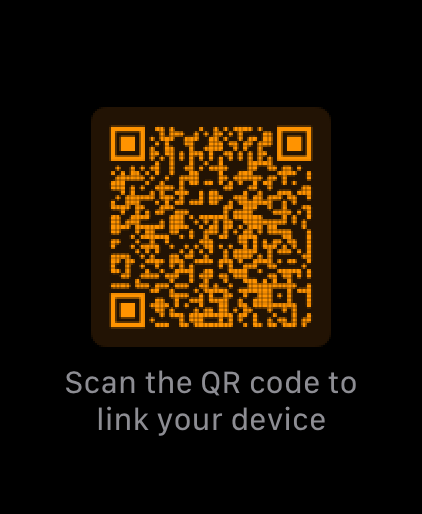
On the watch: scan the QR code to link your device.
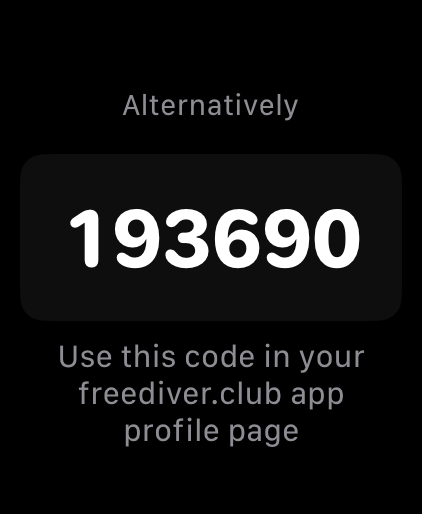
Enter the 6-digit code in Wearable Links on your profile.
Follow the on-screen instructions
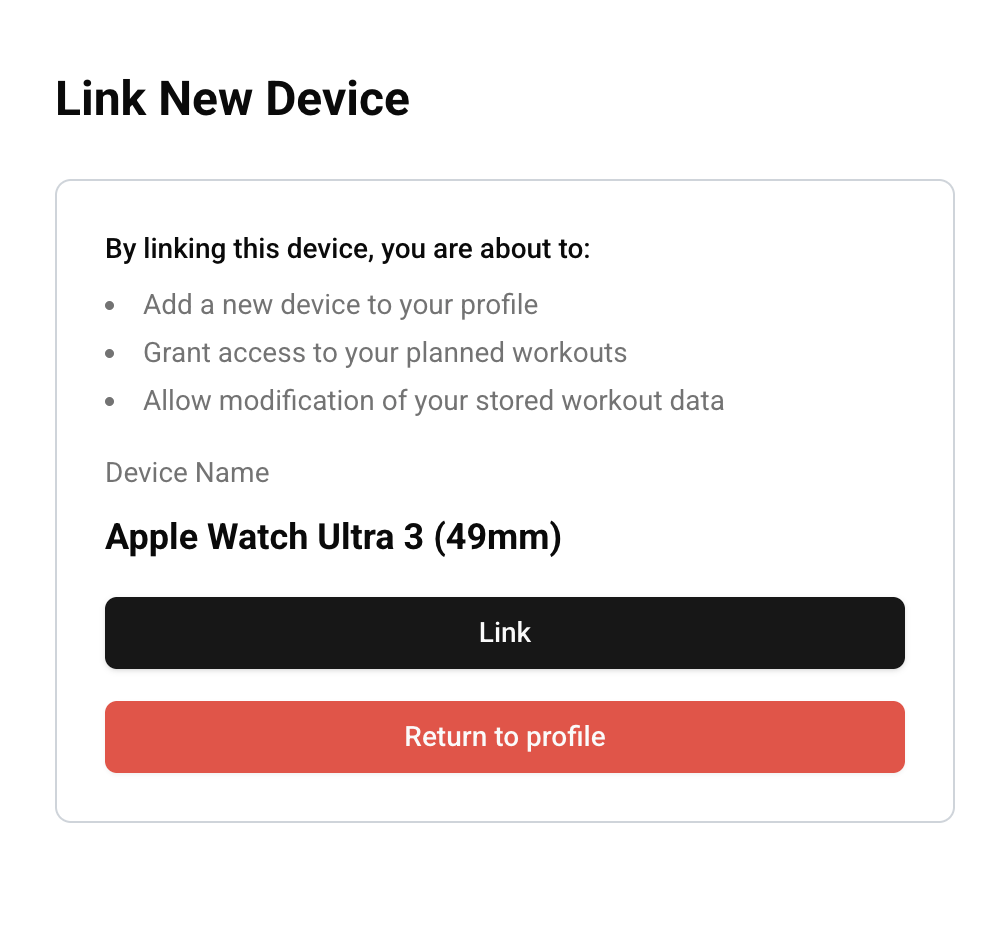
On the web: confirm and link the device.
Screenshots
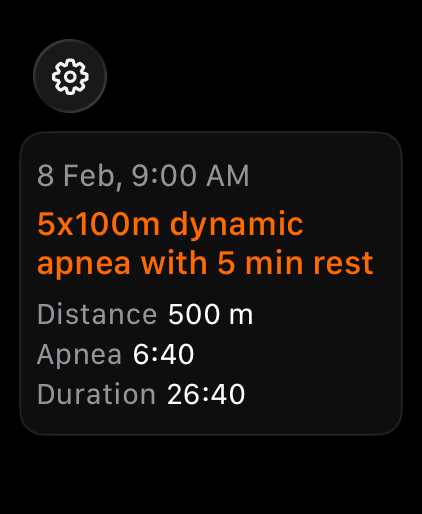
Workout screen with a list of future workouts from your profile.
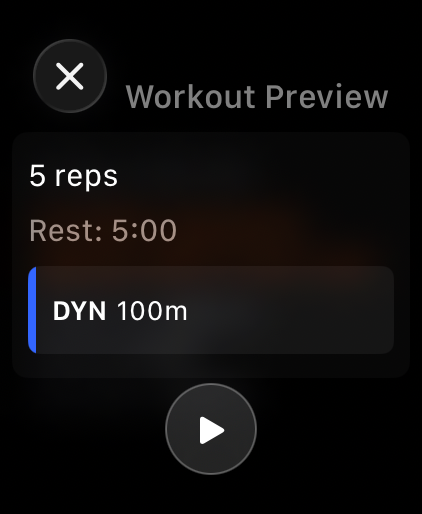
Workout preview—see the full breakdown before you start.
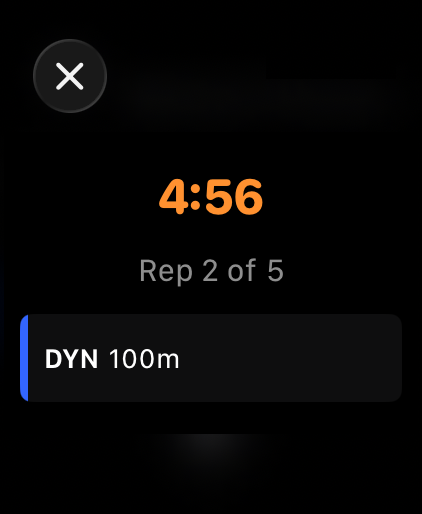
Active workout and the rest screen.
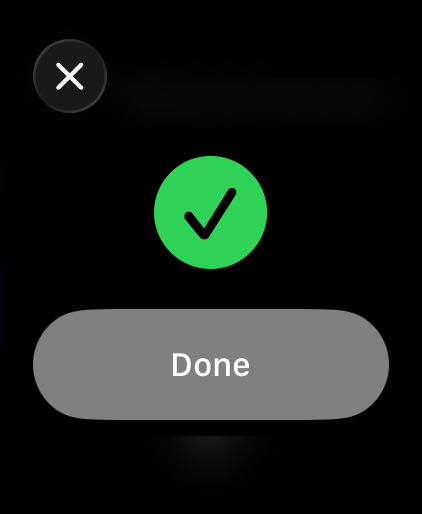
Workout end screen.
Bartosz Jakubowiak
1 March, 2026 • 2 min read